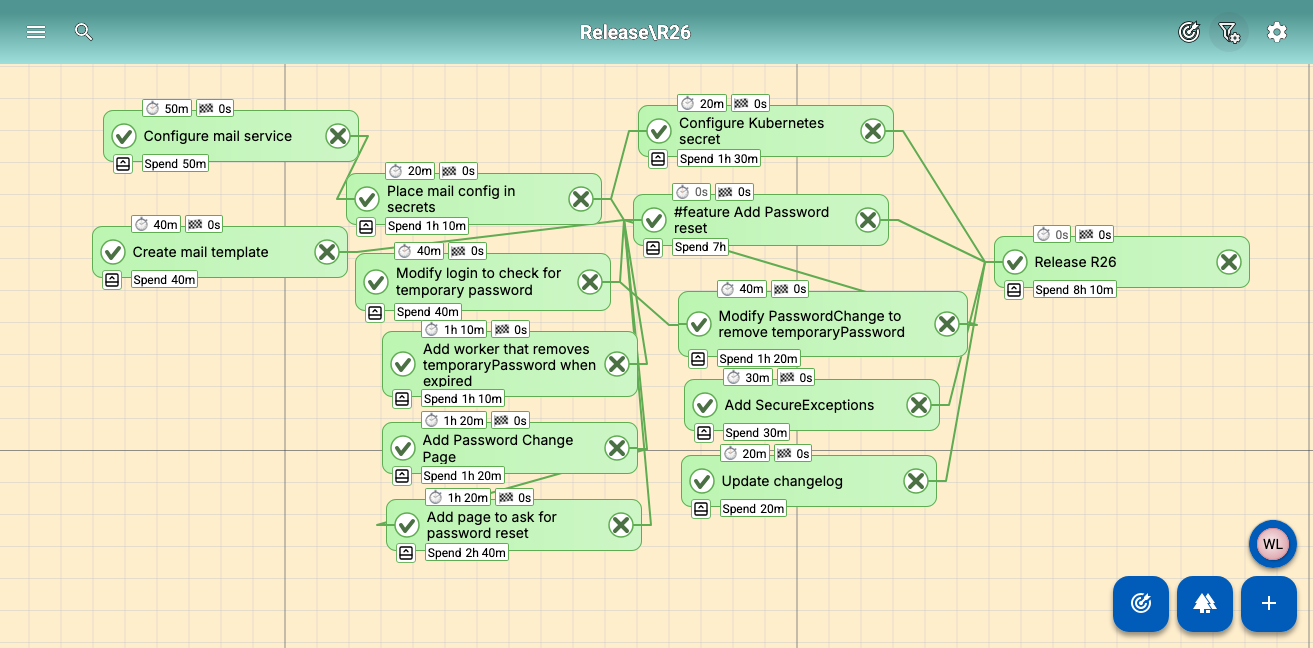
Adding password change and recovery
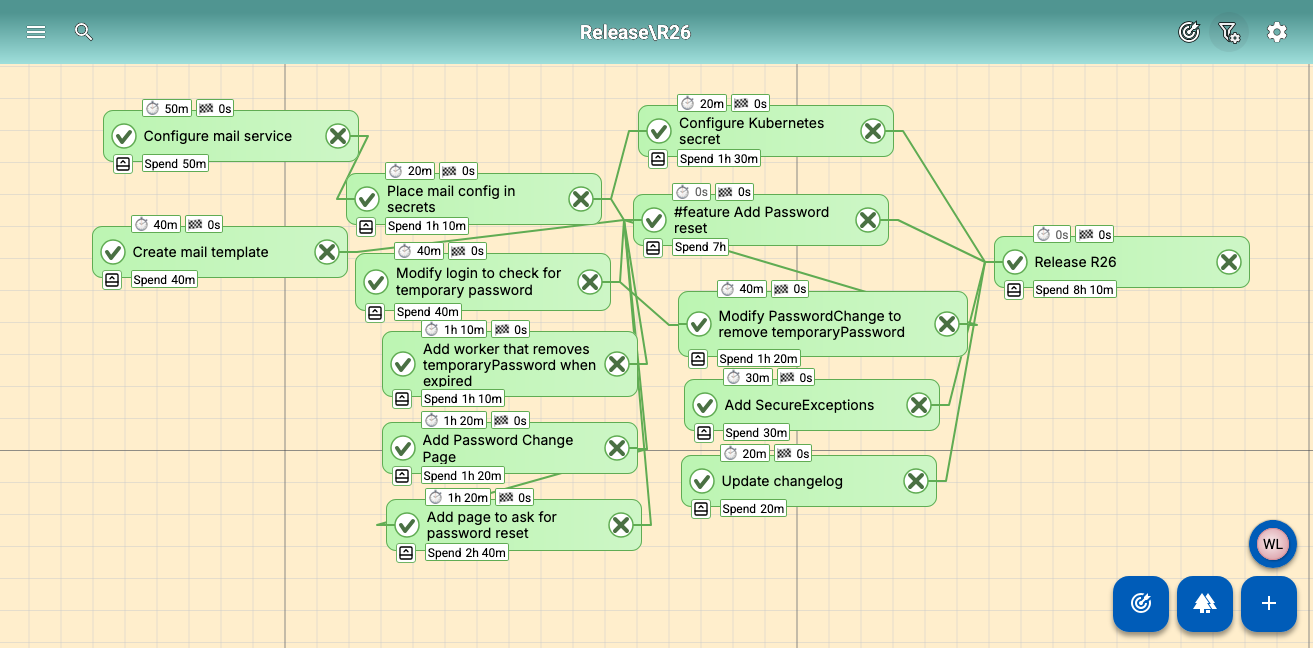
This release was faster than usual because we skipped a few "basic" features in the previous version. We did this because the previous release was already quite complex, and the absence of these features wouldn’t be noticeable. During this single-day sprint, we added the ability to change and recover passwords.
The downside of such a short release cycle is that this update is also rather short, but it does allow us to create a simpler screenshot of Todo2d (click it for the full image) instead of the complicated graph you normally see. We even added a label that sums up the total time spent.
As for the difficulties in this release, this was mostly configuring our mail system and ensuring that users are asked to change their password after using the temporary password.
We are public about the changes we make to Todo2d. If you want to know what has changed you can read it in the changelog.